Rules & cache
Repeatable lookups and deterministic checks.
AINNA WebCLI · AI operations workspace
A clearer way to explore AI-assisted operations.
Explore routing concepts, controlled review workflows and a recorded technical replay. Actual capabilities depend on deployment configuration and human authorization.

02 / Smart Routing
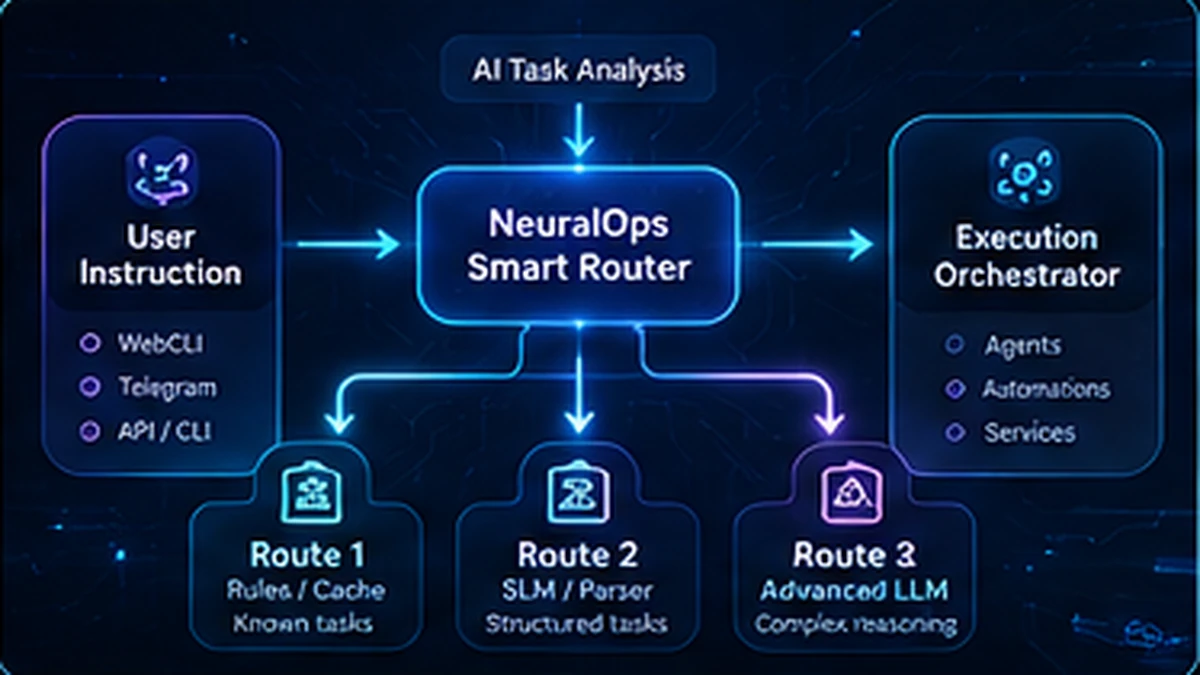
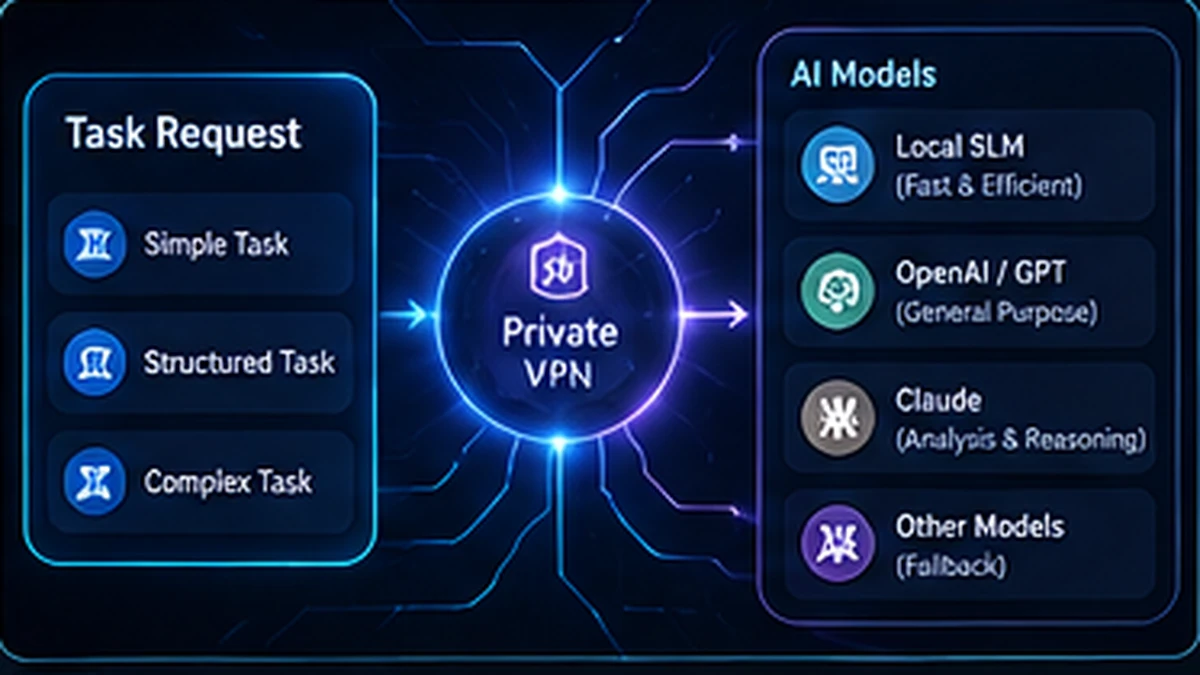
Architecture conceptA routing architecture can direct predictable work to rules or cache, structured extraction to a parser or small model, and tasks needing broader reasoning to an advanced model. The route depends on the deployment and its configured providers.
Simulated example · no prompt is sent and no model is invoked.
Routine lookup → Rules / cacheSimulated routing only. No prompt is sent and no model is invoked.
Repeatable lookups and deterministic checks.
Structured extraction and bounded tasks.
Tasks that need broader reasoning.
03 / Builder & Auditor
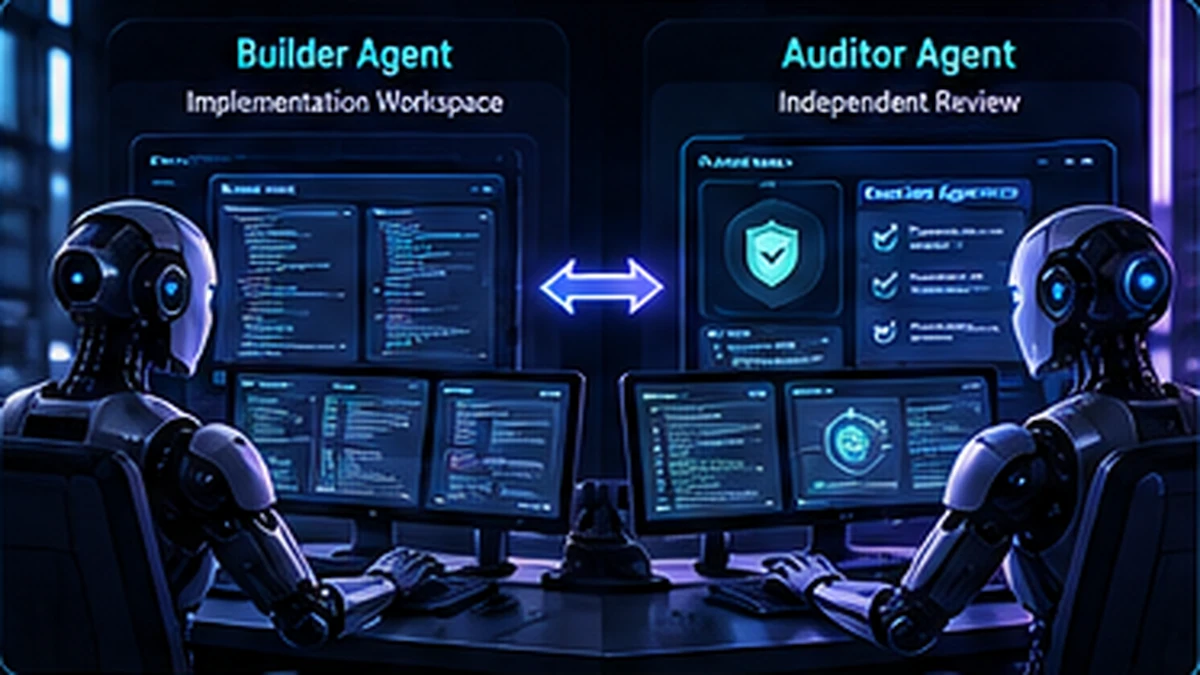
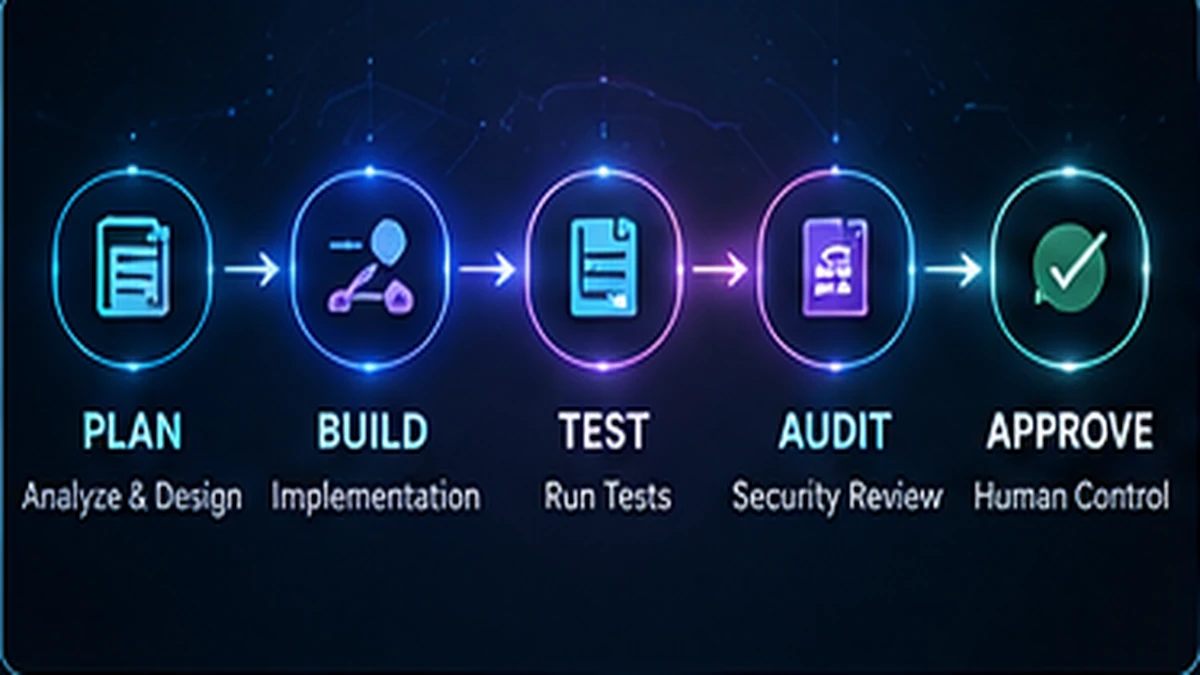
In developmentThe proposed workflow separates a Builder role from an Auditor role. Changes move through review and human approval; autonomous live execution is not enabled by this public page.
Prepares a proposed change for review.
Checks the proposal against defined requirements.
A person decides whether a reviewed change proceeds.
04 / Browser-based WebCLI
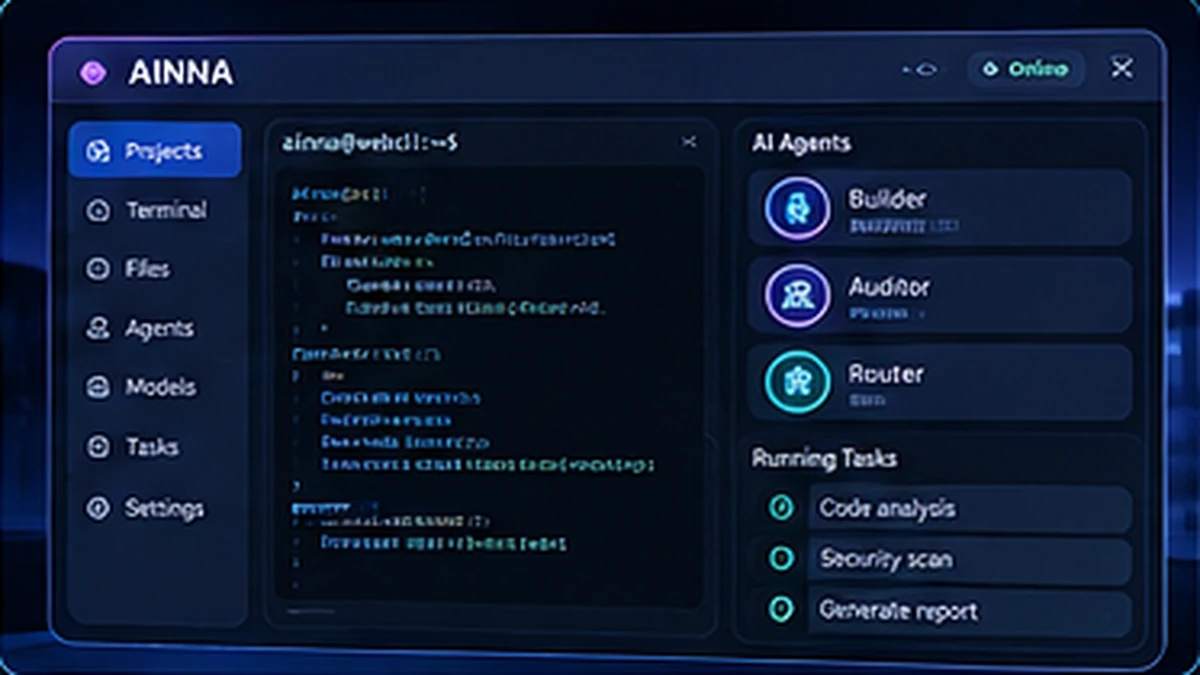
Recorded demoExplore the recorded technical replay to see the interface and its simulated events. It is not a live production console and does not expose authenticated sessions.
Playback of a historical audit recording.
Displayed events are illustrative, not live telemetry.
Open the public replay on the CLI page.
05 / Detached Systems
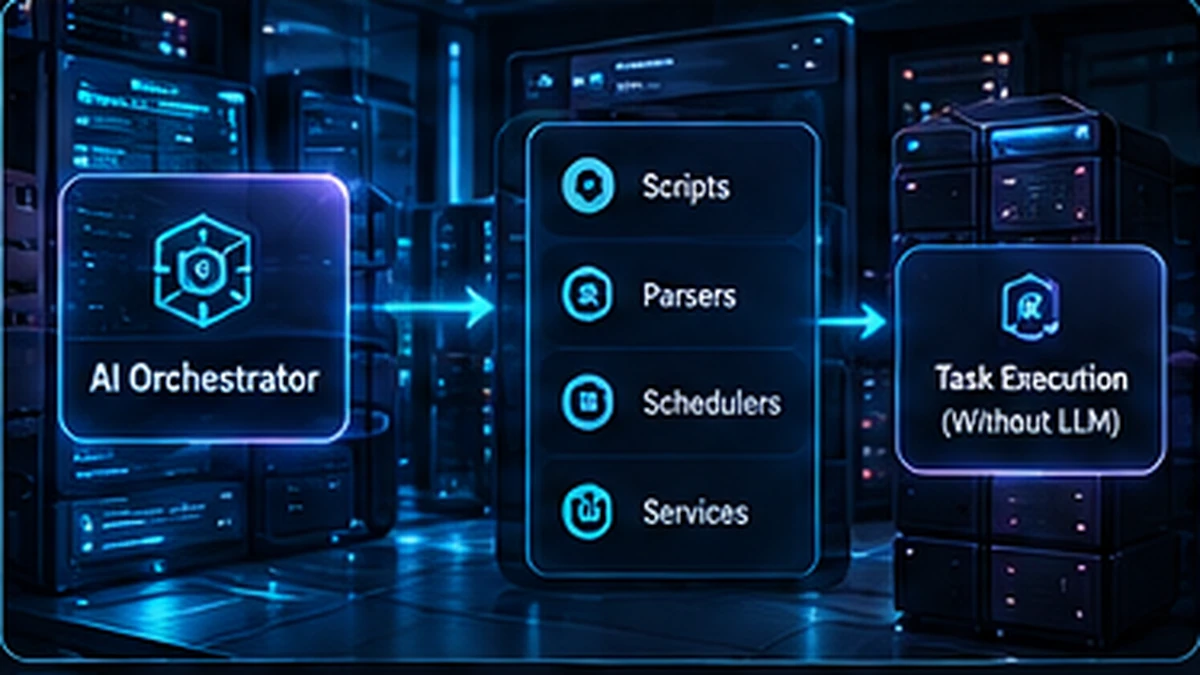
Architecture conceptSchedulers, parsers, scripts and application services can handle repeatable steps without sending every operation to an LLM. The suitable boundary depends on each workflow.
Identify stable inputs, rules and expected outputs.
Prefer deterministic processing where it fits.
Route exceptions for model-assisted handling or review.
06 / Telegram OTG
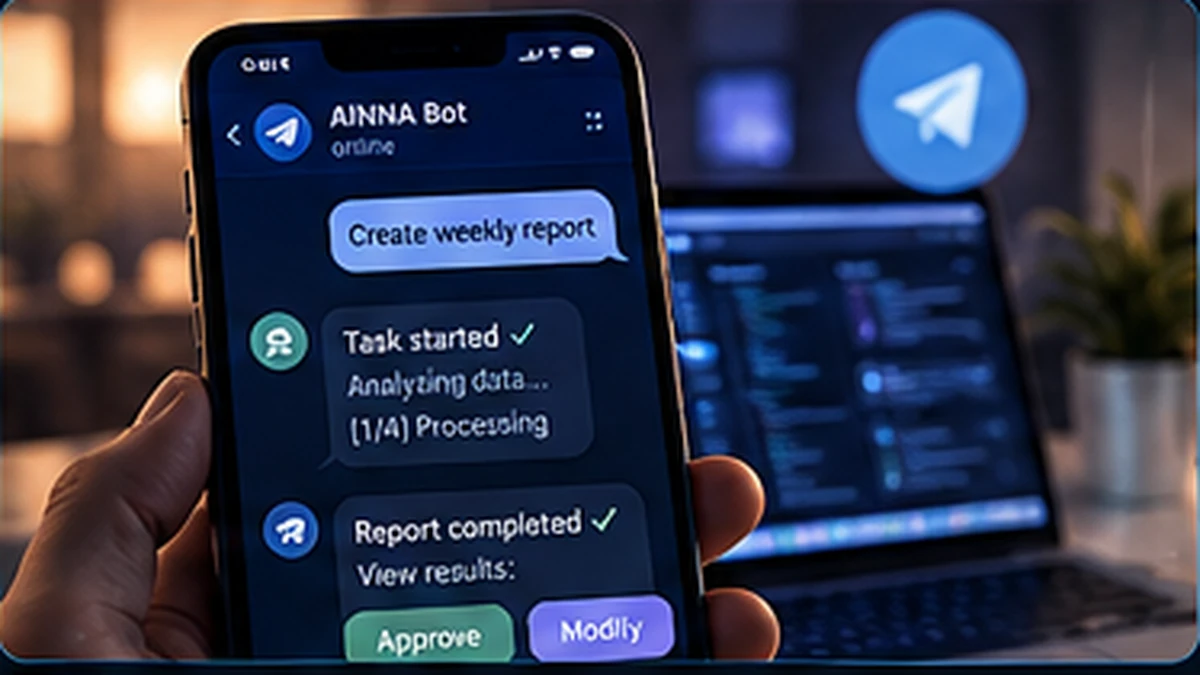
Deployment-dependentA remote-control integration can provide an authorized way to submit instructions and receive task status. Availability, permissions and supported actions depend on the deployment.
Connect only approved accounts and devices.
Return progress and completion information.
Expose only capabilities enabled for that deployment.
07 / Private Infrastructure
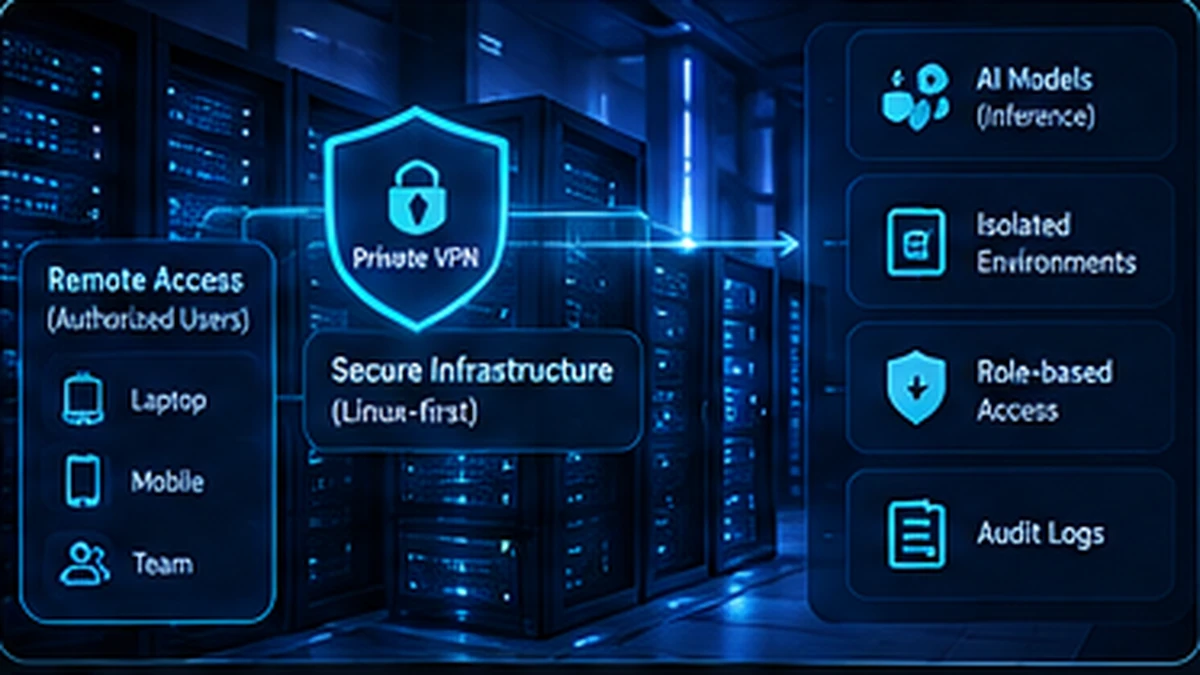
Reference architectureVPNs, private networks, identity controls and role separation are deployment architecture choices. See the architecture reference for deeper infrastructure context; this illustration is not a screenshot of a verified customer deployment.
Choose public or private connectivity deliberately.
Scope identities and roles to required work.
Validate the actual deployment configuration.
08 / Multi-Model Routing
Configuration-dependentModel selection can consider task requirements, latency, provider pricing, data policy and fallback behavior. Available models depend on credentials and configuration; no model-count claim is made here.
Select a model suited to the task.
Compare current provider terms and measured response time.
Define what happens when a provider is unavailable.
09 / Review & Approval
Human approval requiredA controlled workflow makes review explicit. A public marketing page does not activate execution, grant privileged access or change production systems.
Describe the intended change and its boundaries.
Prepare the change and check expected behavior.
Review evidence; a human decides whether to proceed.
10 / SME Use Cases
Illustrative scenariosThese are illustrative scenarios, not customer case studies or measured results. Each workflow needs its own requirements, data review and acceptance checks.
Collect and summarize figures for a person to review.
Draft responses for review under defined policies.
Prepare product data for validation before publishing.
Organize reminders and service records.

11 / Efficiency & Evidence
Benchmarks pending verificationBenchmarks to be published after verification. No live performance figures or savings are asserted here.
12 / Roadmap & Next Step
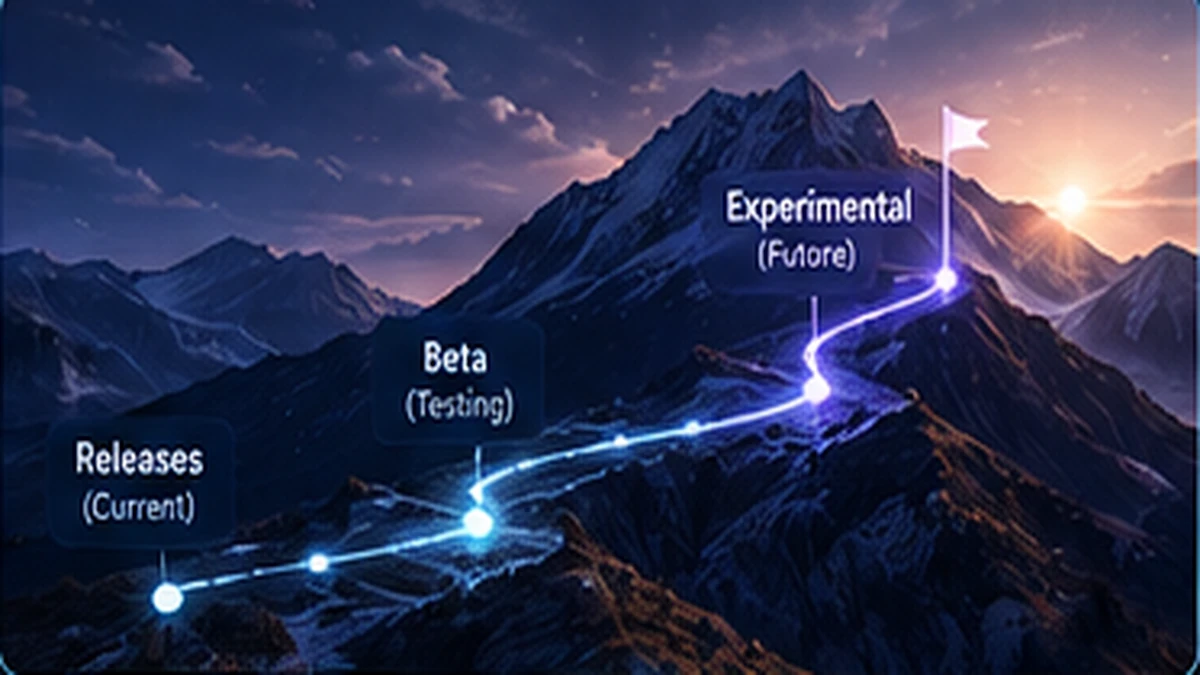
Recorded demo availableThe public CLI page is a recorded replay. Other capabilities described here are architecture concepts or deployment-dependent; no autonomous Builder/Auditor execution is represented as live.
They are AI agents that carry out defined operational work on private infrastructure, with controlled execution, logging and human approval gates.
Detached processing runs recurring workflows independently of the chat interface so operational systems keep working without manual prompting.
On private or on-premises infrastructure, so the organisation keeps control of its data and inference.
Smart routing sends each task to the smallest sufficient intelligence layer, reducing spend on large-model calls for simple work.